

Richard is the independent publisher of Economics Savvy and has owned and used PowerX Optimizer since 2020. He shares first-hand observations about its workflow, features, limitations, and trading risk.
Quick Answer
PowerX Optimizer is a stock and options scanning tool built around a specific short-term trading strategy developed by Rockwell Trading. It is best suited for traders who can commit consistent daily time, have a funded brokerage account, and are willing to follow a rules-based system. It is not a fit for passive investors, day traders seeking tick-by-tick execution tools, or anyone expecting software to replace judgment and risk management.
Key Takeaways
- PowerX Optimizer is designed around a defined trading methodology, not a general-purpose charting platform.
- Suitability depends heavily on your available time, account size, risk tolerance, and trading style.
- The software scans for stocks and options setups based on specific technical criteria — it does not execute trades or guarantee outcomes.
- Cost is a real consideration; verify current pricing before committing. See the verified cost breakdown for PowerX Optimizer for details.
- Trading stocks and options involves substantial risk of loss and may not be suitable for all investors.
- Asking the right pre-purchase questions is the most professional move any trader can make.
- This article does not constitute investment advice. Always conduct your own due diligence.
Is PowerX Optimizer Right for You? Starting With the Right Frame
Before working through the 10 questions, it helps to understand what PowerX Optimizer actually is. It is a scanning and analysis tool from Rockwell Trading that surfaces stock and options candidates matching a set of technical criteria. The underlying strategy is rules-based and short-term in orientation — typically holding positions for days to a few weeks rather than months.
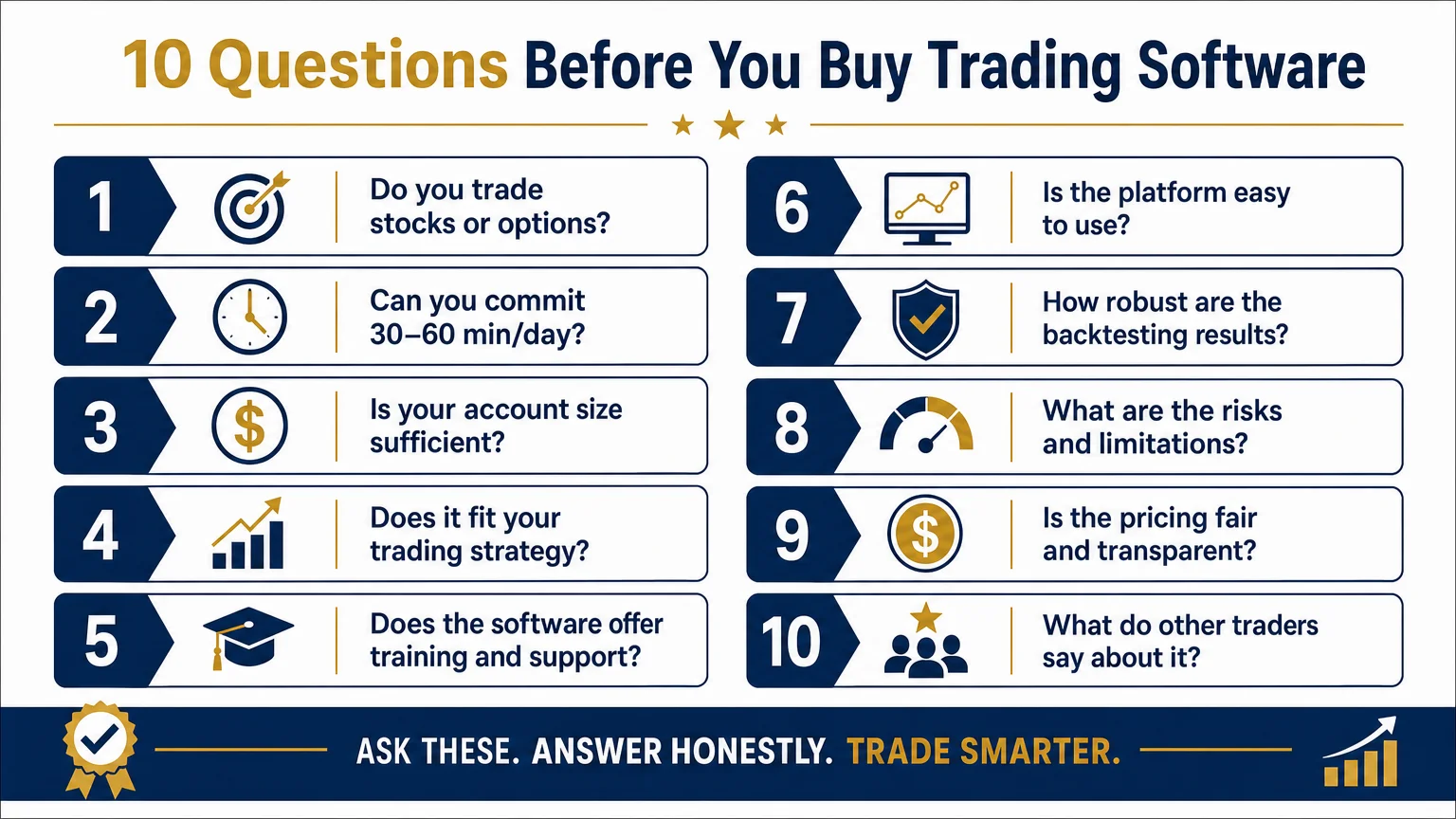
If you want a deeper look at the mechanics, PowerX Optimizer Explained: What the Software Actually Does covers the feature set in plain language. The questions below assume you have at least a basic familiarity with what the tool does.
Question 1: Do You Trade Stocks, Options, or Both?
PowerX Optimizer is built for traders who work with individual stocks and equity options. If your primary interest is futures, forex, crypto, or fixed income, this tool is not designed for those markets. The scanning logic, signal criteria, and educational framing all assume U.S.-listed equities and their associated options chains.
Question 2: Can You Commit 30–60 Minutes Per Day to the Process?
The strategy behind PowerX Optimizer is not a set-and-forget system. It requires reviewing scan results, evaluating setups, and making decisions on a regular basis — typically before or after the market opens. Traders who cannot carve out consistent daily time tend to find rules-based systems frustrating rather than helpful, because missed days create gaps in position management.
If your schedule is genuinely unpredictable, consider whether a more passive approach — index funds, for example — might be a better starting point before adding active trading software to the mix.
Question 3: Is Your Brokerage Account Adequately Funded?
No specific minimum account size is published here, because that figure can shift and varies by individual situation. What is true universally: trading options on individual stocks with a very small account creates compounding risk problems. Position sizing becomes distorted, diversification is impossible, and a single losing trade can represent a disproportionate percentage of capital.
Before purchasing any trading software, assess whether your account is realistically sized for the strategy the software supports. This is a question worth putting to a licensed financial professional, not a software vendor.
Question 4: Are You Comfortable With a Rules-Based System — Even When It Feels Wrong?
PowerX Optimizer surfaces setups based on defined technical criteria. The discipline required is following those criteria consistently rather than overriding them based on gut feeling or news headlines. Many traders find this harder than it sounds. If you have a history of abandoning systems mid-trade or second-guessing signals, the issue may not be the software — it may be the psychological framework around trading decisions.
This is worth honest self-assessment before spending money on a scanning tool.
Question 5: Do You Understand the Risks Specific to Options Trading?
Options are not simply “cheaper stocks.” They carry unique risks: time decay (theta), volatility sensitivity (vega), leverage amplification, and expiration deadlines that stocks do not have. A trader who does not understand these mechanics can lose the entire premium paid on an options position even when the underlying stock moves in the anticipated direction.
For a grounded overview of what new traders often underestimate, Stock and Options Trading Risk: What New Traders Must Know is a useful starting point before evaluating any options-related software.
Question 6: Have You Compared PowerX Optimizer to Alternatives?
No single tool is right for every trader. Platforms like thinkorswim offer broader charting and analysis capabilities, though with a steeper learning curve and no built-in strategy framework. The side-by-side comparison of PowerX Optimizer vs. thinkorswim outlines the practical differences in workflow, feature depth, and intended user type.
Comparing tools before purchasing is not a sign of indecision — it is standard professional practice.
Question 7: How Does the Software Perform in Volatile Market Conditions?
Scanning tools built around historical technical patterns can behave differently when volatility spikes, correlations shift, or liquidity thins. This is not a flaw unique to PowerX Optimizer — it applies to any rules-based system. The question to ask is whether the workflow the software supports remains manageable when market conditions change rapidly.
Trading Software in a Volatile Market: Does Workflow Change? explores this question with practical observations rather than theoretical claims.
Question 8: Are You Evaluating the Software or the Education Bundled With It?
PowerX Optimizer is sold alongside educational content from Rockwell Trading. Some buyers find the educational framework — the strategy logic, the position sizing approach, the risk management principles — to be the more valuable component. Others primarily want the scanning tool.
Knowing which you are buying for affects how you evaluate value. If education is a priority, it is also worth looking at supplementary resources. The Financial Fortress audiobook from Rockwell Trading covers foundational financial concepts that complement the trading methodology.
Question 9: Are You a Beginner, Intermediate, or Experienced Trader?
PowerX Optimizer is not exclusively for advanced traders, but complete beginners may find it more useful after building foundational knowledge. The software assumes you understand basic chart reading, order types, and brokerage mechanics. If you are still learning those fundamentals, Options Trading Software for Beginners: What to Look for outlines what baseline knowledge makes any trading software more useful.
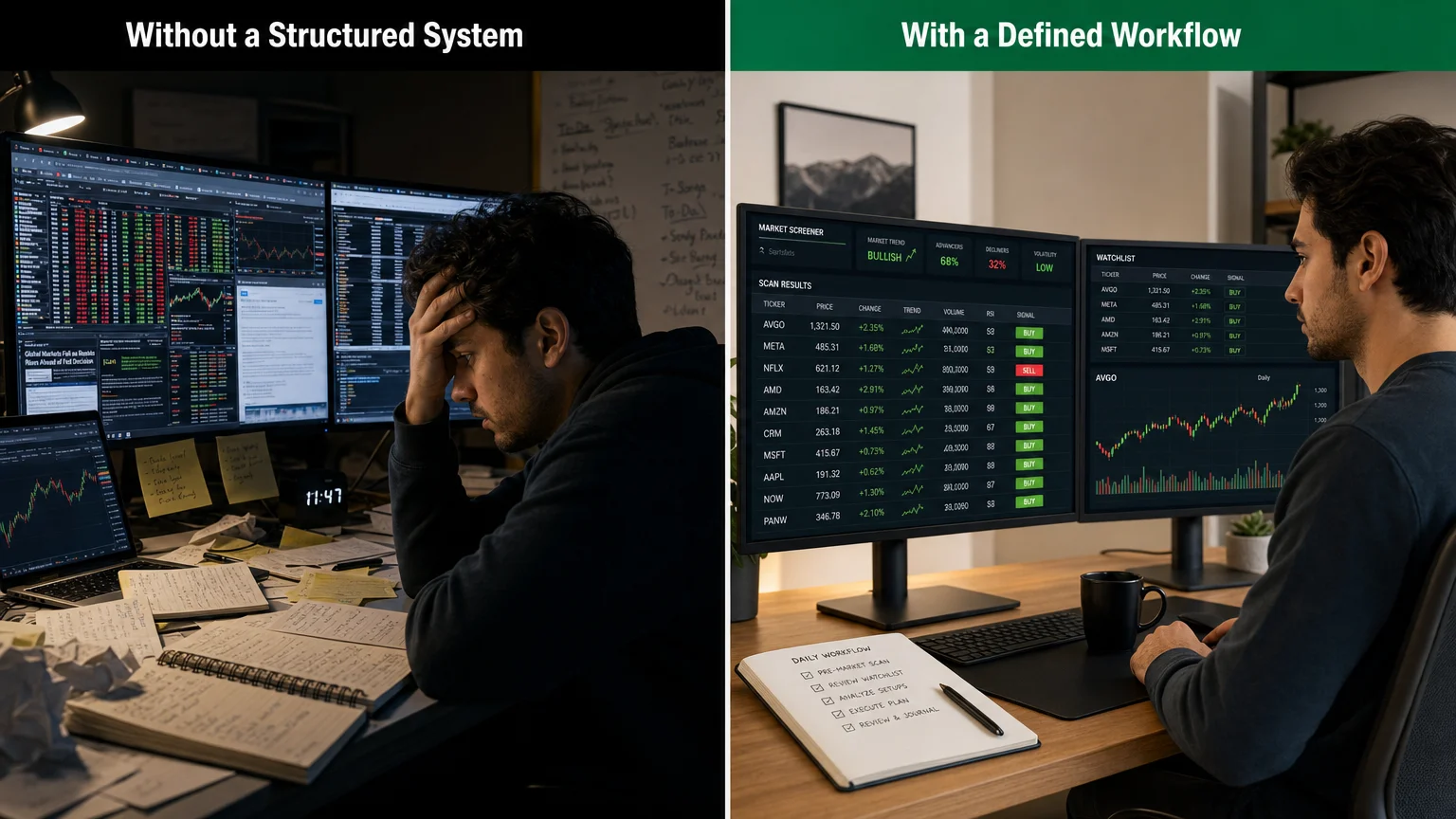
Intermediate traders — those who understand the basics but want a more structured scanning process — tend to be the audience the tool is most directly designed for.
Question 10: Have You Accounted for Total Cost of Ownership?
Software subscription cost is one line item. Brokerage commissions, bid-ask spreads on options, data feed costs, and the capital at risk in actual trades all factor into the real cost of an active trading practice. Before evaluating whether PowerX Optimizer is “worth it,” build a complete picture of what active trading will cost at your anticipated volume and account size.
Suitability Summary: A Quick-Reference Checklist
| Factor | Better Fit | Weaker Fit |
|---|---|---|
| Asset class | Stocks and U.S. equity options | Futures, forex, crypto |
| Time available | 30–60 min/day consistently | Irregular or very limited schedule |
| Trading style | Rules-based, short-to-medium term | Passive investing, day trading |
| Experience level | Intermediate; basics understood | Complete beginner |
| Account size | Adequately funded for position sizing | Very small account |
| Goal | Structured scanning workflow | Broad charting / research platform |
Frequently Asked Questions
What is PowerX Optimizer designed to do?
PowerX Optimizer is a stock and options scanning tool from Rockwell Trading. It screens for trade setups that match a defined set of technical criteria, helping traders build a watchlist of candidates rather than manually scanning hundreds of tickers. It does not execute trades automatically.
Is PowerX Optimizer suitable for complete beginners?
It can be used by beginners, but the experience is generally better for traders who already understand basic charting, order types, and options mechanics. Complete beginners may benefit from foundational education before relying on a scanning tool.
Does PowerX Optimizer work for day trading?
The strategy the software supports is oriented toward short-to-medium term swing trades, not intraday scalping. Traders seeking tick-by-tick execution tools or Level 2 data for day trading will likely find it a poor match.
How much does PowerX Optimizer cost?
Pricing is subject to change and should be verified directly. For a current, verified breakdown of what is included at each tier, see the PowerX Optimizer cost breakdown.
Can the software guarantee trading profits?
No software can guarantee trading profits. PowerX Optimizer surfaces setups based on technical criteria; whether any individual trade is profitable depends on market conditions, execution, position sizing, and risk management — none of which the software controls. Trading involves substantial risk of loss.
How does PowerX Optimizer compare to thinkorswim?
The two tools serve different purposes. thinkorswim is a broad-purpose charting and analysis platform; PowerX Optimizer is a focused scanning tool built around a specific strategy. The PowerX Optimizer vs. thinkorswim comparison covers the practical differences in detail.
Is this article affiliated with Rockwell Trading?
Economics Savvy is an independent affiliate website. The site may earn a commission on purchases made through clearly labeled links, at no additional cost to the reader. Economics Savvy is not Rockwell Trading and does not provide personalized investment advice.
Conclusion
Asking “Is PowerX Optimizer right for you?” before purchasing is the professional move — and these 10 questions give that evaluation a concrete structure. The tool has a defined purpose, a specific audience, and real limitations. Matching those to your actual trading life is more valuable than any feature list.
If you want a practical, observation-based account of what using the software looks like day-to-day, One Month Using PowerX Optimizer Daily: Honest Observations offers exactly that — no performance claims, just workflow reality.
Trading stocks and options involves substantial risk of loss and is not appropriate for all investors. Nothing in this article constitutes investment advice.
Frequently Asked Questions
What is PowerX Optimizer designed to do?
PowerX Optimizer is a stock and options scanning tool from Rockwell Trading. It screens for trade setups that match a defined set of technical criteria, helping traders build a watchlist of candidates rather than manually scanning hundreds of tickers. It does not execute trades automatically.
Is PowerX Optimizer suitable for complete beginners?
It can be used by beginners, but the experience is generally better for traders who already understand basic charting, order types, and options mechanics. Complete beginners may benefit from foundational education before relying on a scanning tool.
Does PowerX Optimizer work for day trading?
The strategy the software supports is oriented toward short-to-medium term swing trades, not intraday scalping. Traders seeking tick-by-tick execution tools or Level 2 data for day trading will likely find it a poor match.
How much does PowerX Optimizer cost?
Pricing is subject to change and should be verified directly. For a current, verified breakdown of what is included at each tier, see the [PowerX Optimizer cost breakdown](/blog/how-much-does-powerx-optimizer-cost-a-verified-breakdown/).
Can the software guarantee trading profits?
No software can guarantee trading profits. PowerX Optimizer surfaces setups based on technical criteria; whether any individual trade is profitable depends on market conditions, execution, position sizing, and risk management — none of which the software controls. Trading involves substantial risk of loss.
How does PowerX Optimizer compare to thinkorswim?
The two tools serve different purposes. thinkorswim is a broad-purpose charting and analysis platform; PowerX Optimizer is a focused scanning tool built around a specific strategy. The PowerX Optimizer vs. thinkorswim comparison covers the practical differences in detail.
Is this article affiliated with Rockwell Trading?
Economics Savvy is an independent affiliate website. The site may earn a commission on purchases made through clearly labeled links, at no additional cost to the reader. Economics Savvy is not Rockwell Trading and does not provide personalized investment advice.
Richard is the independent publisher of Economics Savvy and has owned and used PowerX Optimizer since 2020. He shares first-hand observations about its workflow, features, limitations, and trading risk.